Does Smart Switch App Transfer Everything - Full List Of What Gets Moved
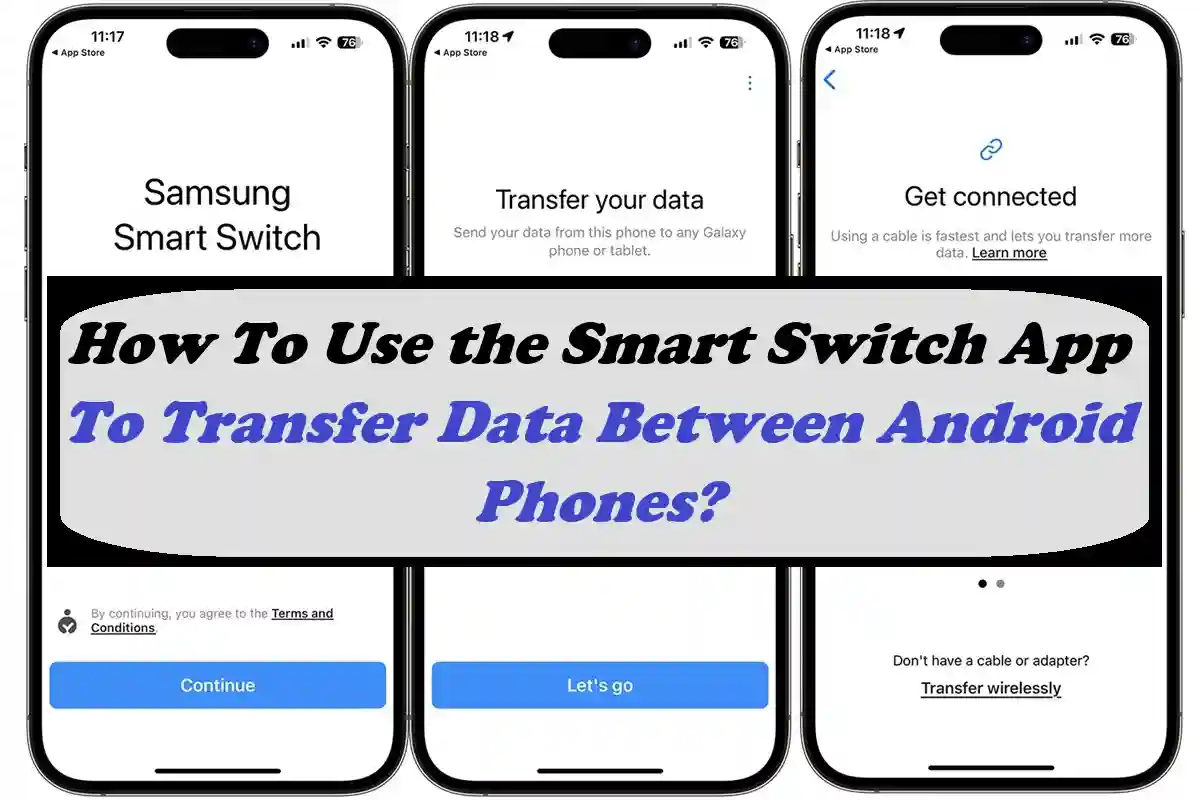
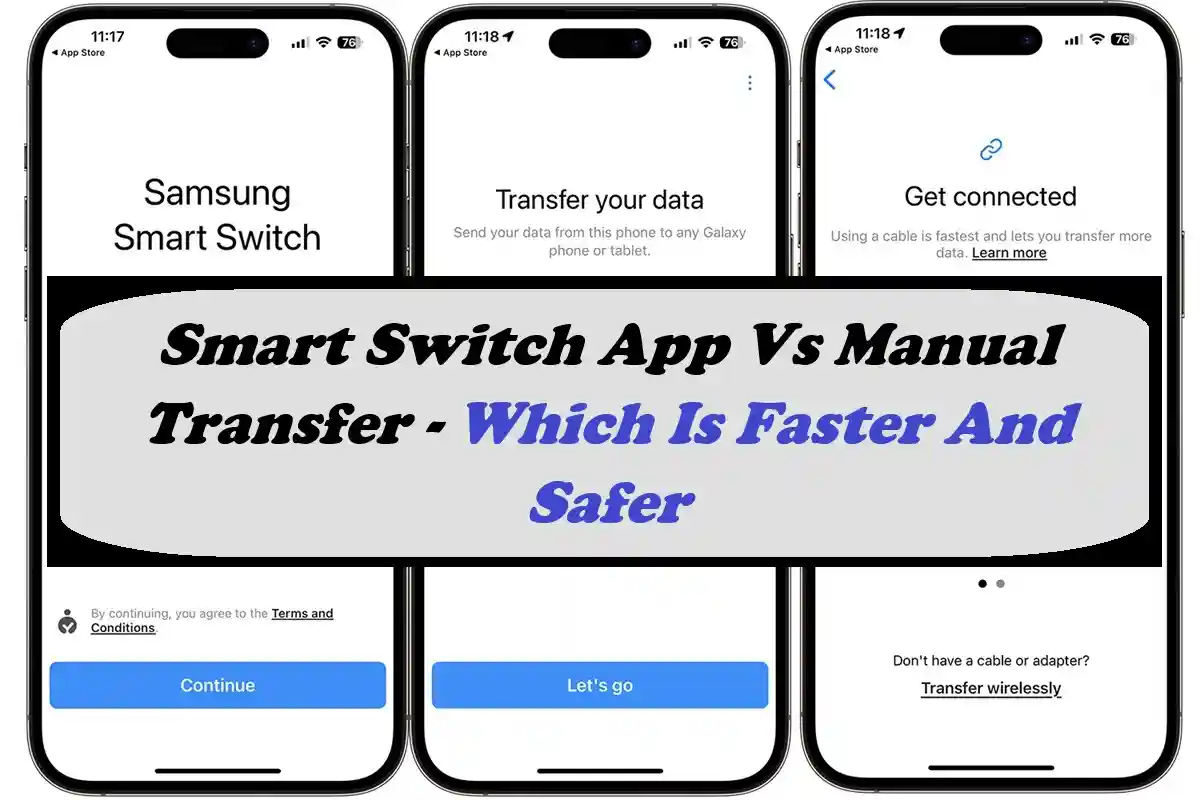
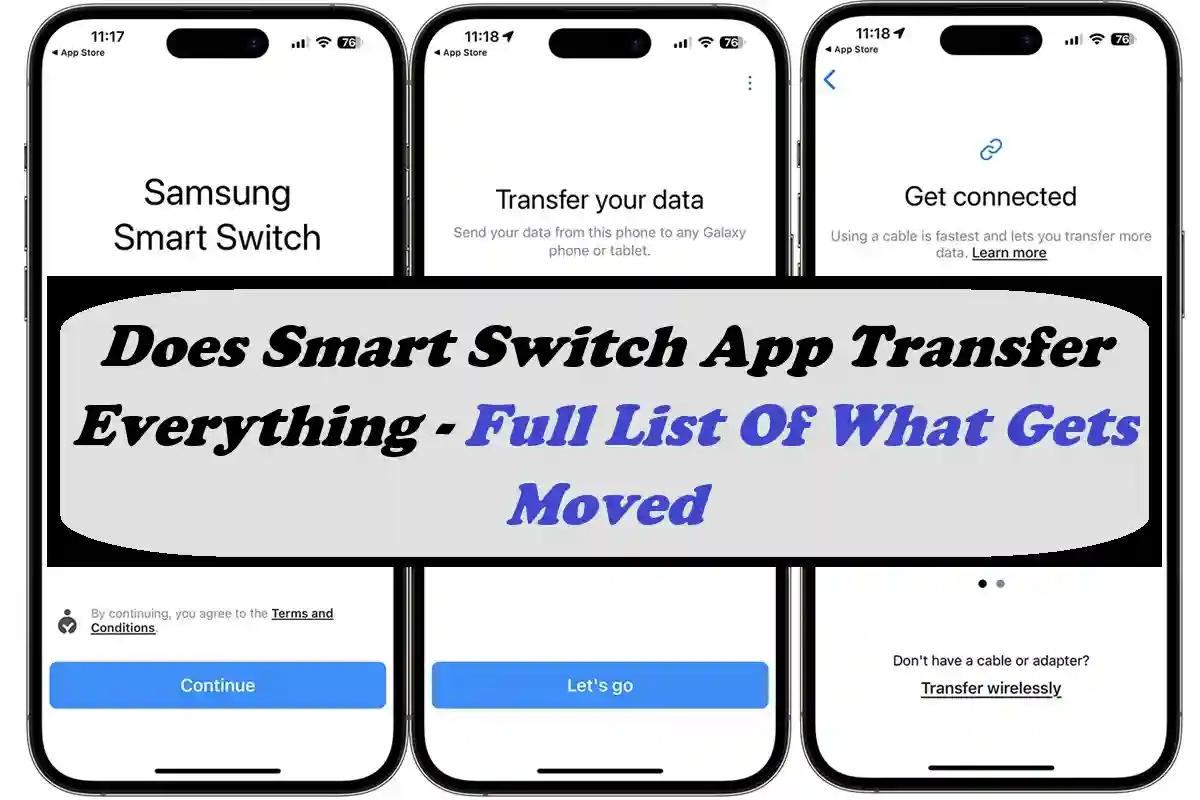
The Smart Switch App is designed to transfer data between two devices. It is available for multiple platforms, including iOS, Android, and Windows PC. However, it is widely used on Android and developed by Samsung devices to transfer files from one phone to another quite quickly.
However, many users don't know what files they can transfer and what they cannot. Therefore, I have come up with a list of files that the users can transfer through our app. So, if you want to know more about that data, read the article to the end.
Does Smart Switch Transfer Everything?
The Smart Switch app can transfer a wide range of data from one phone to another quite quickly and conveniently. But many users wonder, does the app really transfer everything? So, here is a brief explanation of that data, which they can copy from one phone to another.
Contacts and Call Logs
First of all, the app helps users transfer all the call logs and contacts to their new phone. Whether you want to cop a contact list, without title numbers, email addresses, custom fields, and call history. So, you can transfer the complete contacts and call data to the new device.
Messages and Chat History
Whether you have text messages, multimedia messages, or any other, you can transfer them completely to a new device. Along with messages, you can transfer the whole chat history, which means all the conversations can now be opened on the new phone.
Photos and Videos
If you have multimedia files on your phone's storage, then you can transfer those files to a new Android. So, the app allows you to select the photos, videos, or even albums from the gallery and transfer with one tap.
Music and Audio Files
Transfer all the audio files, whether they are music or random audio. So, you can simply select the folders where audio files are available and transfer them to your new phone.
Installed Apps and Data
You can transfer the same apps from your old phone to your new one along with the data available on it. So, you don't miss the login details and other data.
Specific Settings
Smart Switch app allows users to save and transfer WiFi passwords, network history, alarm settings, Google Passwords, and registered emails on their phone.
Documents and Files
All the documents and files available right in the File Manager or SD card on your Android can be transferred through the app to a new phone. These include PDFs, Word, Excel, Spreadsheets, and many more.
Multimedia
The Smart Switch app allows you to copy and paste all the multimedia files to a new phone. These include images, wallpapers, videos, short clips, and more.
Final Words
Almost all data can be transferred through the app. Users can also transfer App Layout settings, screen settings, widgets, and a few more.